Thank You

Thank you for registering for access to the AMW2023 document library. Feel free to download PDFs below, if you have any questions be sure to get in touch with us.

+How to Download PDF files

In order to view PDF files, or save them for later use, please follow these simple steps:

  1. Click on the PDF file link – your browser will automatically launch the Adobe Acrobat reader
  2. Click the download icon – usually located in the top left or right corner of the screen dependent on which version you have installed
  3. When you are done viewing the PDF file, click on your browser’s Back button to return the web page that had the PDF link

Alternatively

  1. Place the mouse cursor over a PDF file link, and then click your right mouse button. A small menu will appear
  2. Select ‘Save Link As’ from the menu. A location box appears
  3. Save the PDF file to a location you can remember. You can also save it to your Desktop

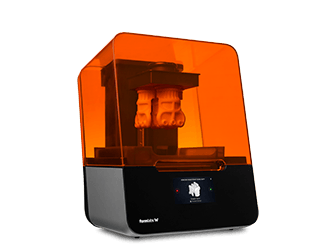
Formlabs Form 3 3D Printer

Want To Know More?

Our team of 3D printing professionals are just an email or a phone call away.

contact us